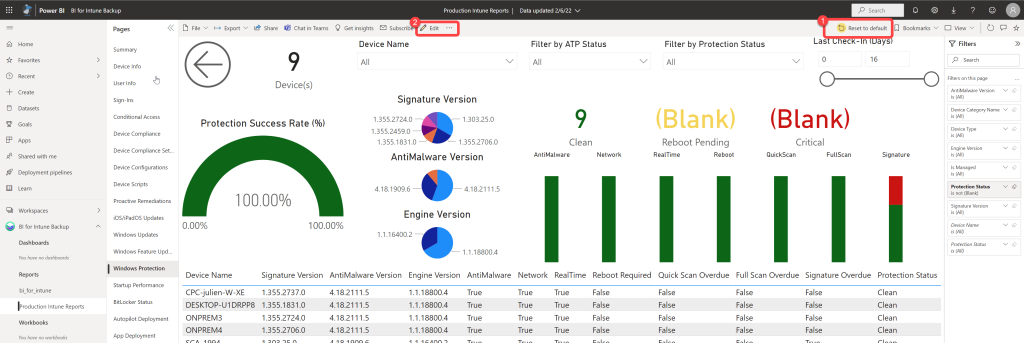
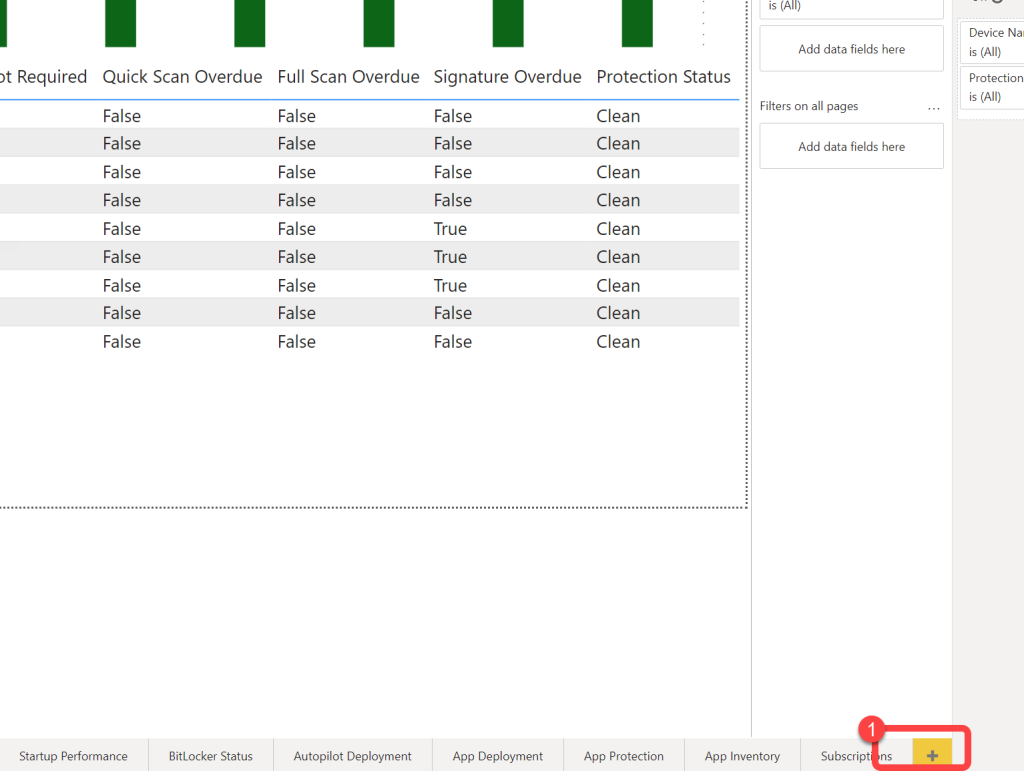
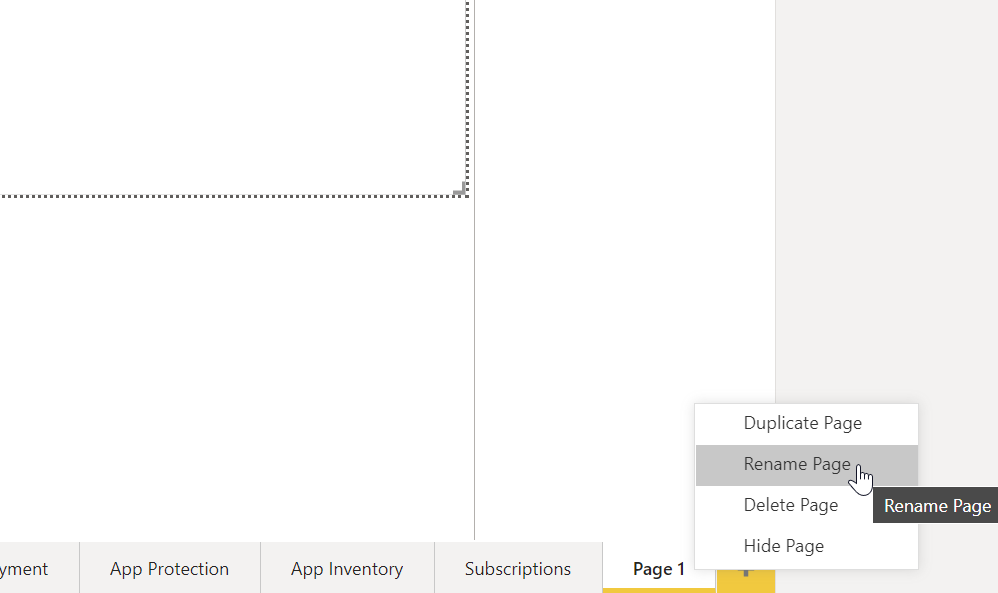
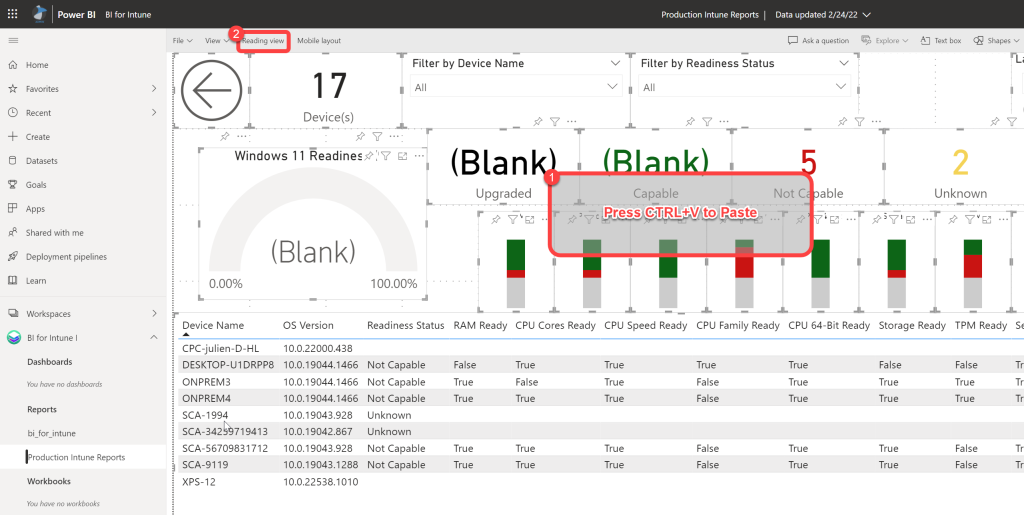
By definition a Power BI report is a multi-perspective view into a dataset, with visuals that represent different findings and insights from that dataset. A report can have a single visual or pages full of visuals. Very often, in new releases of our products, we will add new pages to the out-of-the-box reports (bi_for_intune or bi_for_sccm) however we strongly encourage customers not to use the out-of-the-box reports. This leads to a situation where it can be time consuming to get the new pages into your custom reports. Here I will explain a quick and easy way to copy full pages or individual visuals from one set of reports to another.

Important news

BI Apps Formerly by fatstacks
Now brought to you by PowerStacks